 Web design
 Software development
 CRM solutions
 AI & automation
 Mobile apps
 Google Ads
 Social media
 UI/UX design
 IT services
 Business phones
 Video production
Your website does not compete with every business on the internet. It competes with the three or four businesses a customer looks at before they decide who to call. A competitor analysis shows you exactly why people choose them instead of you, and that tells you what to change to win more enquiries from the visitors you already have.
This guide walks through a simple, seven-step analysis any Canadian small business can do in an afternoon, using free tools.
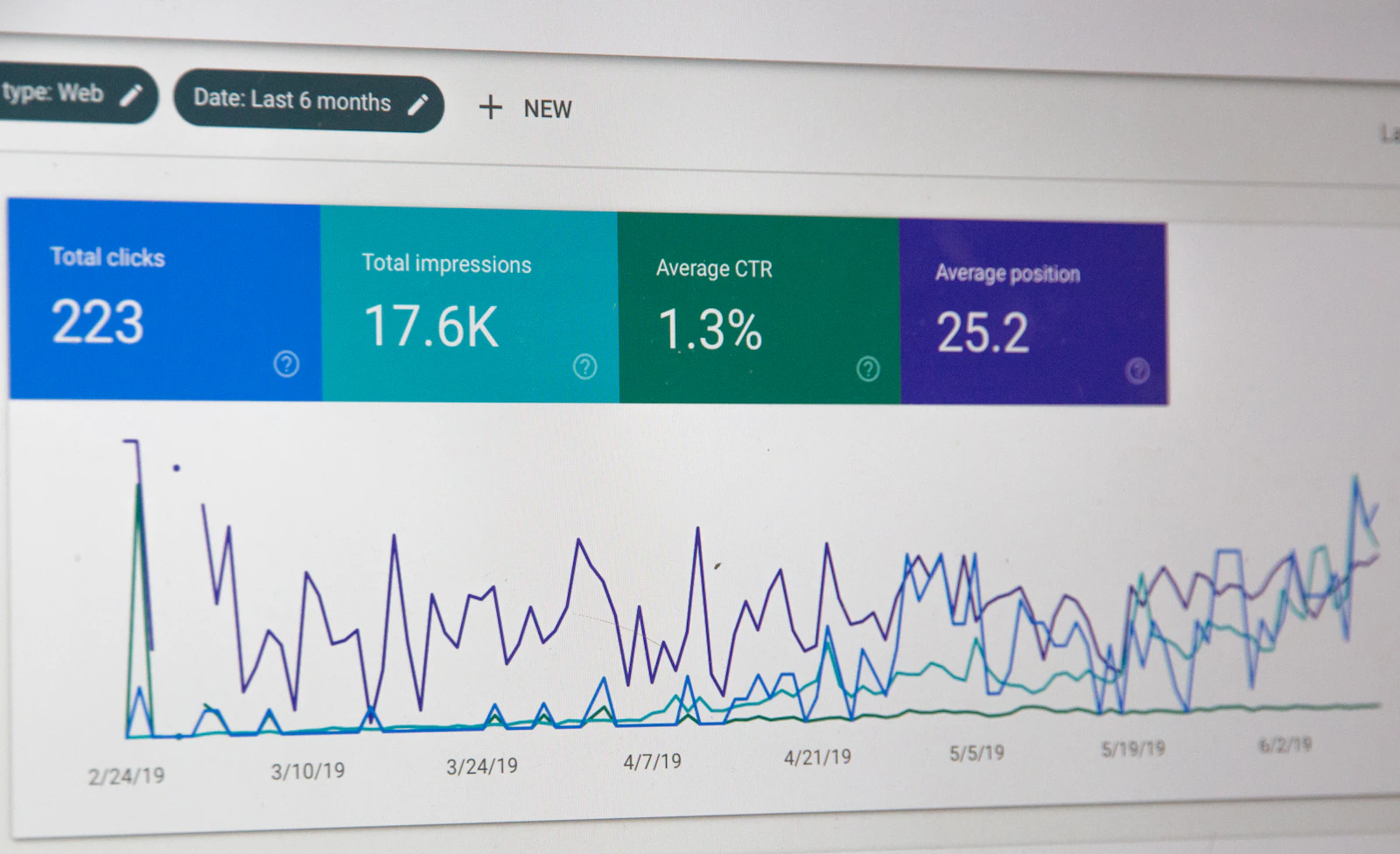
Why competitor analysis increases conversions
Most visitors compare two or three websites before they get in touch. If a competitor shows a price, has 200 Google reviews and a "call now" button at the top of the page, and your site makes people hunt for a phone number, you lose that customer before they read a word about your quality.
Looking at competitors through a customer's eyes turns vague ideas ("our website needs to be better") into a short list of specific fixes ("show a starting price", "move reviews higher", "cut the form from eight fields to three").
Step 1: Find the competitors your customers actually see
Your real competitors are the businesses that appear for the searches your customers make, not the ones you think of first.
- Open a private browser window so your own history does not change the results.
- Search your main services the way a customer would, for example "plumber Mississauga" or "accountant near me".
- Write down the three businesses on the map, the top three websites below it, and any ads.
Repeat this for your two or three most important services. The same names will keep appearing; those are the four or five businesses to study.
Step 2: Compare what customers see in the first five seconds
The top of the page, before anyone scrolls, decides whether a visitor stays. Open your site and each competitor's site on your phone and check these six things:
| What to check | Why it matters | How to check it |
|---|---|---|
| A clear headline: what you do and where | Visitors decide in seconds whether they are in the right place | Read only the headline. Does it name your service and your city? |
| A starting price or a "free quote" offer | People want an idea of cost before they get in touch | Look for a price, package or free offer without scrolling |
| A phone number you can tap to call | Many local customers would rather call than fill in a form | Tap the number on your phone. Does it start a call? |
| Reviews or a rating near the top | Proof from other customers builds trust quickly | Look for stars, a review count or a testimonial before scrolling |
| A short contact or quote form | Every extra field loses some visitors | Count the fields. Three or four is plenty for a first enquiry |
| Fast loading on a phone | Slow pages lose visitors before they appear | Load the page on mobile data. Is it usable within about 3 seconds? |
Every item a competitor has and you do not is a reason a visitor might choose them. Note those gaps; they become your to-do list in step 7.
Step 3: Test their speed against yours
Run your homepage and each competitor's through Google's free PageSpeed Insights tool and look at the mobile results. A slower site loses visitors before the page even appears, especially on mobile data. If competitors load noticeably faster, speed is one of the first things to fix.
Step 4: Compare offers and prices
Customers in Canada compare value, not only price. For each competitor, note:
- Do they show prices, starting prices or packages? Clear pricing often converts better than "contact us for a quote" alone.
- What do they offer to lower the risk: a free quote, a free consultation, a guarantee?
- Are prices shown in Canadian dollars, and is tax mentioned?
You do not have to be the cheapest. You do have to make it easy to understand what someone will pay and what they get.
Step 5: Compare proof and trust
Trust is often the deciding factor between two similar businesses. Check each competitor for:
- The number of Google reviews, the average rating and how recent the latest reviews are.
- Case studies, photos of real work and client logos.
- A real Canadian address and phone number, and a privacy policy. Canadian privacy law (PIPEDA) applies to most businesses that collect customer information, and a clear policy reassures people filling in a form.
If competitors have far more reviews, set up a simple way to ask every happy customer for one. Our local SEO checklist covers this.

Step 6: Count the steps to get in touch
Try to contact each competitor the way a customer would and count the steps:
- How many fields are in the form?
- Can you book a call online, or only send a message?
- Is the phone number clickable on mobile?
- Do they say how quickly they reply?
Every extra field or click loses some visitors. If you use email follow-ups, collect consent properly: Canada's anti-spam law (CASL) requires permission before you send commercial emails.
Step 7: Turn the findings into changes, and test them
List every gap you found, then start with the changes that are quick and close to the top of the page. Make one or two changes at a time, so you can tell what worked, and measure your conversion rate: enquiries divided by visitors. Give each change two to four weeks before you judge it.
| Common gap | What to change |
|---|---|
| No price anywhere | Add a starting price or package to the service page |
| Phone number hidden in the footer | Put a tap-to-call button at the top on mobile |
| Long contact form | Cut it to name, phone, email and one question |
| Few or old reviews | Ask every happy customer, and show the rating near the top |
| Slow on mobile | Compress images and remove heavy plugins |
| Vague headline | Say what you do, for whom and where in one line |
Paid ads: see what competitors are running
If competitors advertise, two free tools show you their ads: the Google Ads Transparency Center and the Meta Ad Library. Look at the offers they promote and the pages their ads send people to. If you run ads too, the page your ad points to matters as much as the ad; see what Google Ads costs for a small business and how we handle Google Ads management.
When to get help
A competitor analysis is only useful if it leads to changes. If the fixes involve redesigning pages, speeding up the site or setting up tracking, our web design services and SEO services cover exactly that, with prices on our pricing page.
 Still have questions?