 Web design
 E-commerce
 Software development
 CRM solutions
 AI & automation
 Mobile apps
 Google Ads
 Social media
 UI/UX design
 IT services
 Business phones
 Video production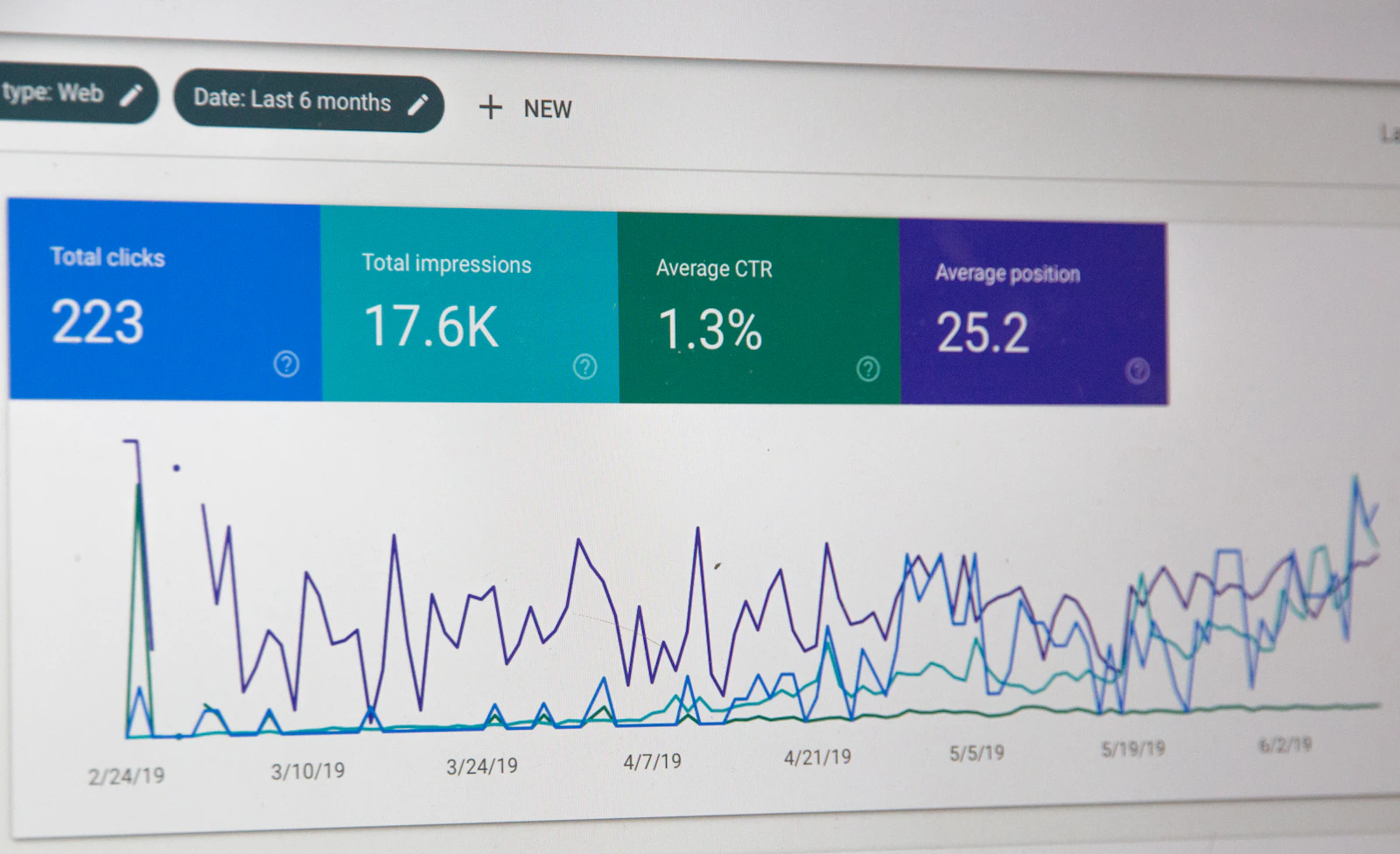
Your business usually doesn't show up on Google for one of two reasons: Google can't find it properly, or Google finds it but ranks other businesses higher. If you are missing from the map results, the cause is most often an incomplete Google Business Profile, the wrong category, too few recent reviews, business details that don't match across the web, or a website with weak service pages.
Most of these problems can be fixed, and several of the fixes are free. This guide shows you how to do it yourself, and which parts our local SEO team can take off your hands. Start by working out which problem you have.
Check which problem you have
Open Google on your phone and run two searches. Search your business name first, then search what you do plus your city, such as "plumber in Brampton" or "dentist in Mississauga". Your customers use the second kind of search because they don't know your name yet.
| What you see | What it usually means | Where to start |
|---|---|---|
| Nothing appears when you search your exact name | Your profile is missing, unverified or suspended, or your website isn't in Google's index | Check your profile, then check your website below |
| Your name works, but the service search doesn't show you | Google knows you exist but ranks others higher | Work through the 7 fixes |
| You appear on the map, but below the top 3 | You are close, and competitors are slightly stronger | Fixes 2, 3 and 5 usually matter most |
| You appear on your own computer but not on a customer's phone | Results change with location and search history | Test from the area you want to win |
If your website is missing completely
Type site:yourdomain.com into Google, using your own domain. If nothing comes up, Google hasn't indexed your website. A new website can take days or weeks to appear, but a site left behind a "noindex" setting will never appear until the setting is removed. This often happens when a website is launched from a test copy.
To check, add your website to the free Google Search Console, submit your sitemap and use the URL Inspection tool on your home page. It tells you whether the page is indexed and, if not, why.
If your profile is missing or unverified
Sign in to your Google Business Profile and check that it is verified and not suspended. An unverified profile may not appear on Google at all. A suspended one has often broken a guideline, and adding keywords or city names to your business name is a common cause.
How Google decides which businesses to show
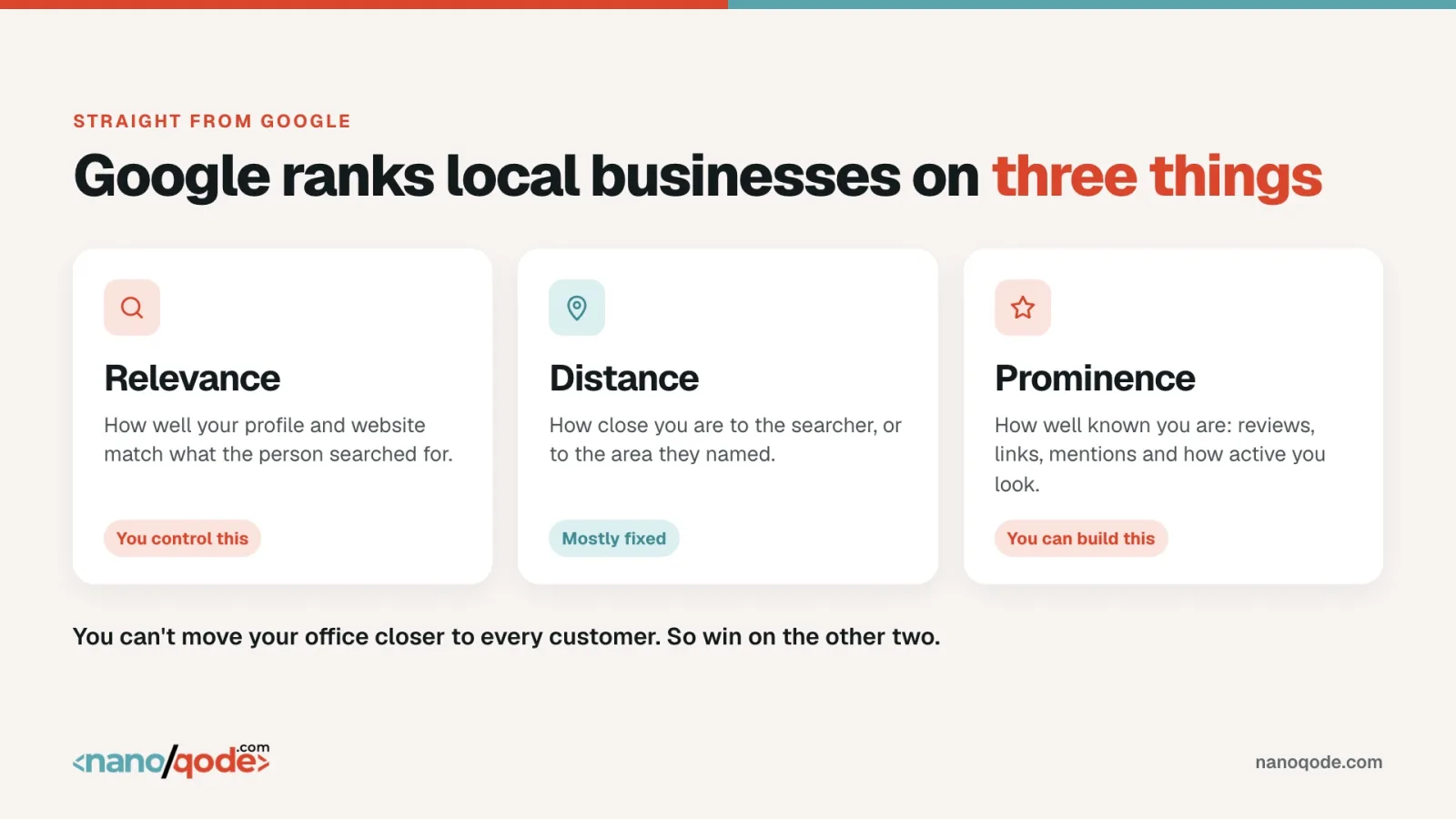
Google says local results depend on three things:
- Relevance: how well your profile matches what someone searched for.
- Distance: how far you are from the person searching, or from the area they typed.
- Prominence: how well known your business is, including reviews, links and mentions around the web.
You can't move your office closer to every customer, so the businesses that win work on relevance and prominence. Every fix below improves at least one of them.
The 7 reasons Google skips your business
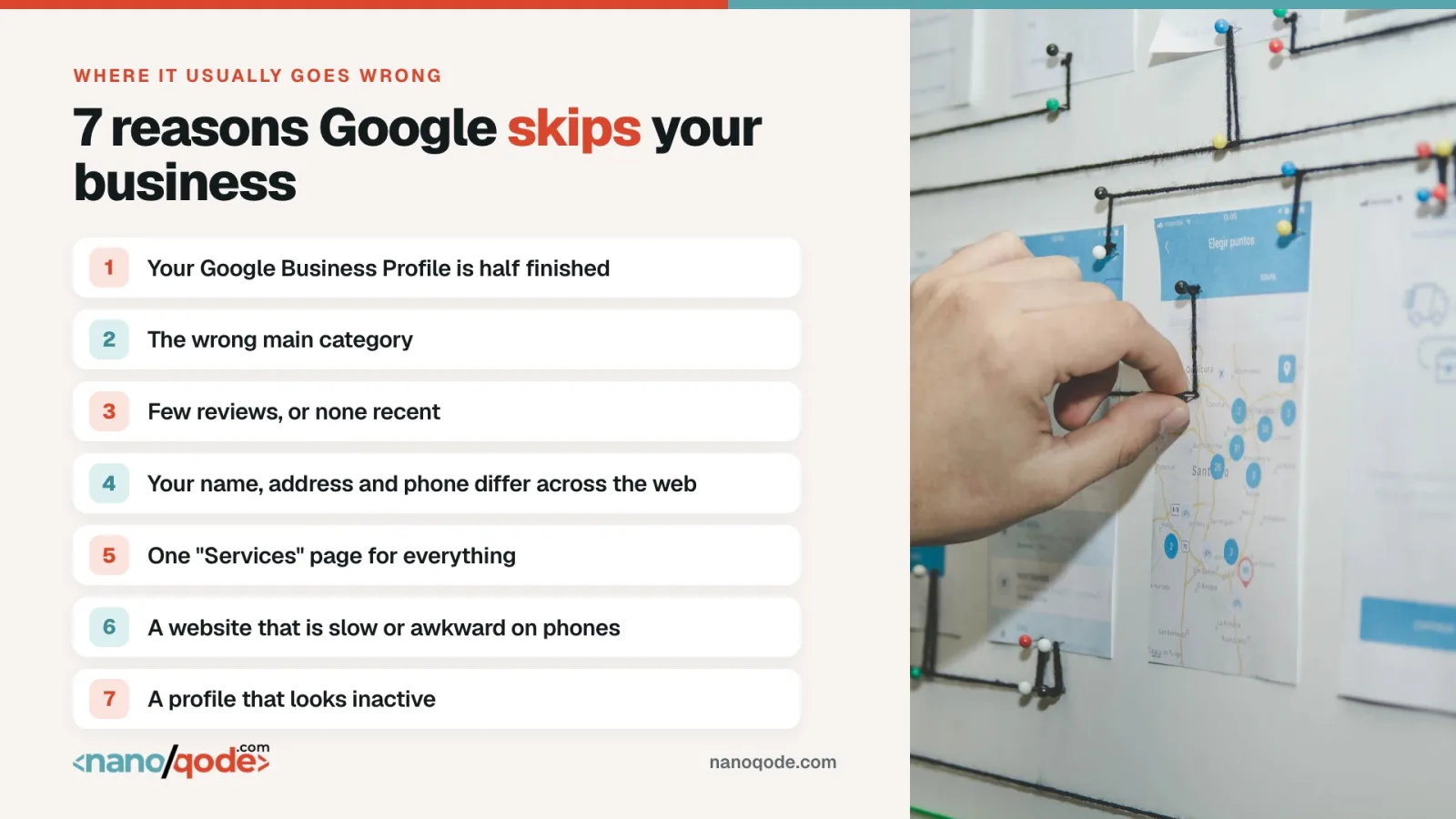
1. Your Google Business Profile is half finished
Google can only show you for what it knows you do. Missing hours, no services and a few old photos leave it guessing.
The fix: complete every section. List each service with a short description, add your service areas and opening hours, and upload at least 10 real photos of your work, your team and your premises.
2. You chose the wrong primary category
Your primary category is one of the strongest signals you control. "Contractor" and "Kitchen remodeler" are treated as different businesses.
The fix: choose the most specific category for your main service, then add secondary categories for the rest. See which categories the top three businesses in your area use.
3. You have few reviews, or none recent
Reviews feed prominence, and customers read them before they call. Nine reviews, with the last one two years ago, can make an open business look closed.
The fix: ask every happy customer. Text your review link right after the job, and reply to every review, good or bad. Don't buy reviews or offer rewards for them, because both break Google's rules.
4. Your name, address and phone number don't match across the web
"Suite 200" on Google, "Unit 2" on Yelp and an old phone number on a directory make it harder for Google to tell that these listings are one business.
The fix: write down one exact version of your name, address and phone number. Make your website, Google, Bing, Apple Maps, Yelp, Facebook and your main industry directories match it.
This is the fix owners most often put off, because it means working through dozens of listings by hand. Our Growth plan includes local listings and citations, so we take care of it for you.
5. You have one "Services" page for everything
If roof repair, roof replacement and gutter installation share one page, Google has nothing strong to show for any of them.
The fix: give each main service its own page with a clear heading, such as "Roof Repair in Brampton", plus real photos, price ranges if you can share them, and answers to common questions. If you serve several cities, give each one a useful page of its own. Our local SEO checklist covers what each page needs.
This is where most SEO advice stops and the real work starts. Every plan includes on-page fixes for your main pages, and if you need new pages, our website team can build them, so you don't need to hire a second company.
6. Your website is slow or awkward on phones
Local customers often search on the move. If your site loads slowly, the text is tiny or the phone number can't be tapped, they leave and call someone else.
The fix: test your site on your own phone over mobile data. Make the call button easy to reach, compress large images and run the site through Google's free PageSpeed Insights. If the site can't be fixed, see how much a new website costs in Canada.
You shouldn't have to learn this yourself. Our Growth and Pro plans include technical fixes, and because we build websites as well as rank them, the people who find a problem can also fix it.
7. Your profile looks inactive
Old photos, no updates and unanswered reviews tell customers that nobody is looking after the business. Google also advises keeping your information up to date and replying to reviews.
The fix: every week or two, add a post or a few photos, such as a finished job, a seasonal offer or a team photo. It takes about ten minutes.
How long it takes to show up on Google
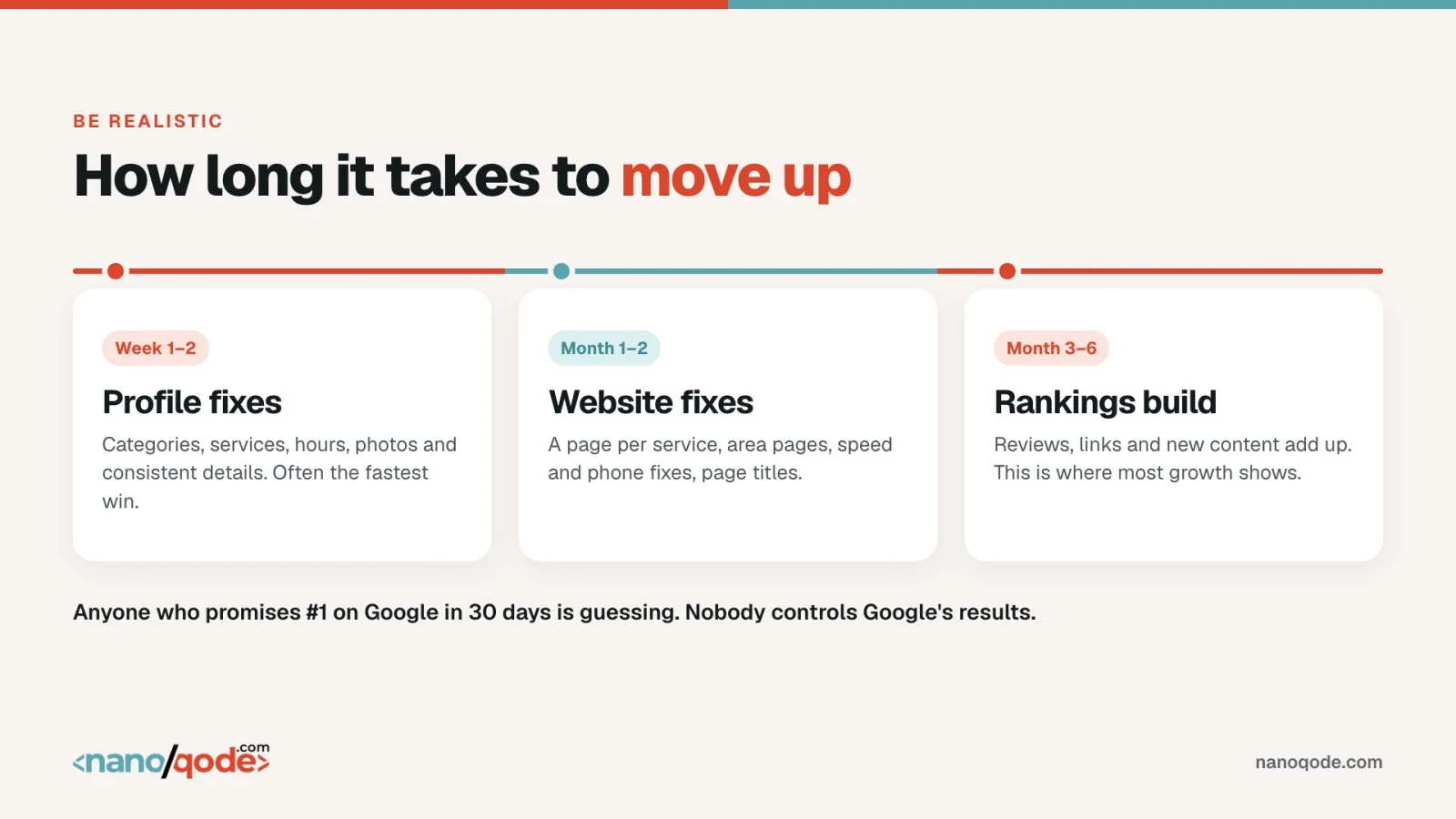
Be wary of anyone promising first place on Google in 30 days, because nobody controls Google's results. This is a realistic timeline:
- Weeks 1 to 2: profile fixes. Categories, services, photos and matching details are often the quickest wins.
- Months 1 to 2: website fixes. Service pages, area pages, speed and mobile improvements.
- Months 3 to 6: rankings build. Reviews, links and new content add up, and this is usually when most of the growth shows.
A quiet market can move faster. A crowded city like Toronto or Vancouver takes longer and needs more consistent work.
Should you fix it yourself or get help?
Fixes 1, 2, 3 and 7 are things most owners can do themselves in an afternoon, then keep up in a few minutes a week. Start there, even if you never hire anyone.
Fixes 4, 5 and 6 take more time and some technical knowledge. This is where most businesses get help, along with tracking which searches actually bring in calls.
Fixes 4, 5 and 6 are also the ones that keep a business stuck below the top 3, because they take steady work every month. If you would rather spend that time running your business, this is what we take over.
How Nanoqode fixes each problem for you
Our local SEO services start at $199 a month (CAD, plus tax). This is how each problem in this guide is handled:
| The problem | What we do | Plan |
|---|---|---|
| 1. Half-finished profile | Set up your Google Business Profile and update it every month | All plans |
| 2. Wrong category | Review your categories as part of your profile set-up | All plans |
| 3. Few recent reviews | Keep your profile current while your happy customers add reviews | All plans |
| 4. Details that don't match | Clean up your local listings and citations | Growth and Pro |
| 5. One page for every service | Improve your main pages and add a new SEO article each month on Growth or Pro | All plans |
| 6. Slow website | Fix technical problems, with ongoing monitoring on Pro | Growth and Pro |
| 7. Inactive profile | Make monthly profile updates so your business looks active | All plans |
Every plan also tracks your keywords and includes a monthly report, so you can see where you stand without chasing anyone. Compare the SEO plans and the current offer, or read how much SEO costs in Canada to see how we compare.
Why hire Nanoqode for local SEO?
There are plenty of SEO companies in Canada. Here is why business owners choose us:
- One team for your SEO and your website: we are also a website design company, so problems get fixed by the people who found them, not passed on to someone else.
- Prices you can see before you call: plans are published at $199, $349 and $599 a month, with no hidden fees.
- No long lock-in: there is a 3-month minimum, then you stay month to month and can cancel with 30 days' notice.
- Everything stays yours: your Google Business Profile and analytics stay in your name, even if you leave us.
- No fake promises: nobody can guarantee rankings, so we don't. We guarantee the work and a report every month.
- A local team that knows the market: we are a Canadian company with our head office in Brampton, and we work with businesses across the country.
As one client, John Krush, wrote in a Google review: "Best web development and online marketing services."
 Still have questions?